See what changed since last time
Compare your last two recorded sessions for the same exercise, then open the full history to see the reps, weight and context behind the change.
Explore progress trackingGetting your next view ready…
Your progress. Your own pace.
Your strength, measurements and consistency, together in one place. Record a workout, add a measurement, and see what changed. Jijibisha keeps your progress on your phone, with offline logging and no account needed to start.
A little more than last time
Illustrative results, not a promise. Your app uses your own entries.
What it does
A heavier set, another rep, a week you showed up. Keep the little details that make your progress personal.
Compare your last two recorded sessions for the same exercise, then open the full history to see the reps, weight and context behind the change.
Explore progress trackingPick your training days, add your exercises and set targets for sets, reps and rest. Edit the plan whenever your week changes.
Build a workout routineSearch by name, muscle, equipment or difficulty. Each guide shows setup instructions, the muscles worked and common mistakes.
Open the exercise librarySave dated weight and body measurements, compare entries in the units you use, and keep private progress photos alongside your training record.
See progress trackingThe loop
Plan → Log → Review
Jijibisha keeps the three useful parts of a training log connected, so nothing you record goes to waste.
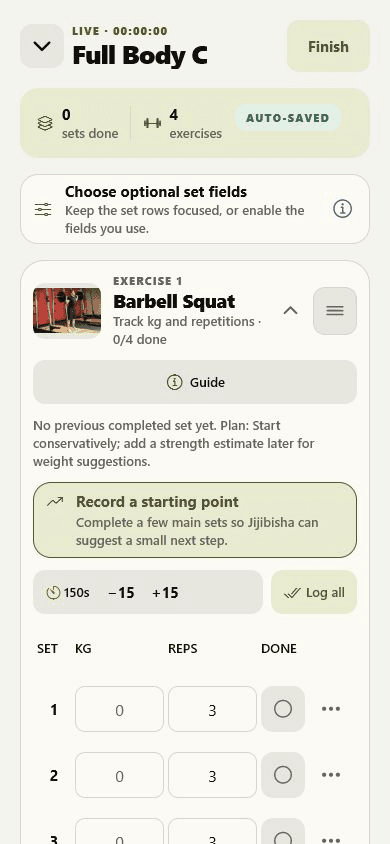
Pick your training days and exercises once. The routine is waiting when you walk in, so the first set starts sooner.
Every meaningful edit is written to your phone the moment you make it — no save button, no spinner, no connection required.
Your history turns into records, weekly volume and muscle coverage, so the next session is a decision instead of a guess.
Offline
No signal required
Jijibisha stores your training on your phone first. A dead zone, aeroplane mode or a dropped connection changes nothing about the next set.
Library
Exercise library
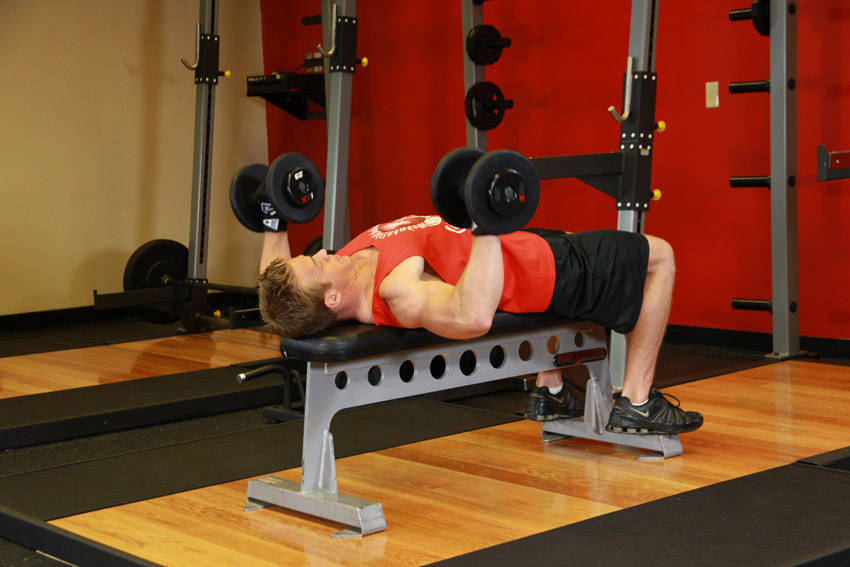
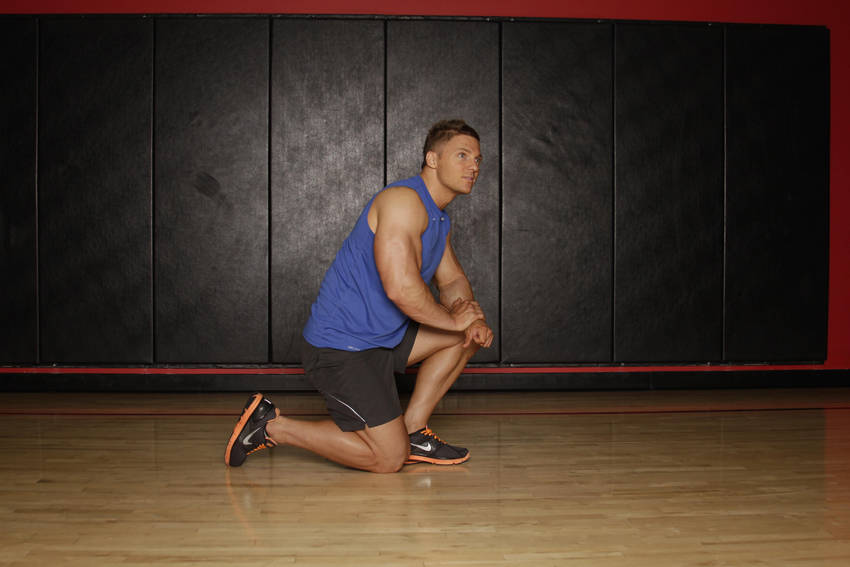
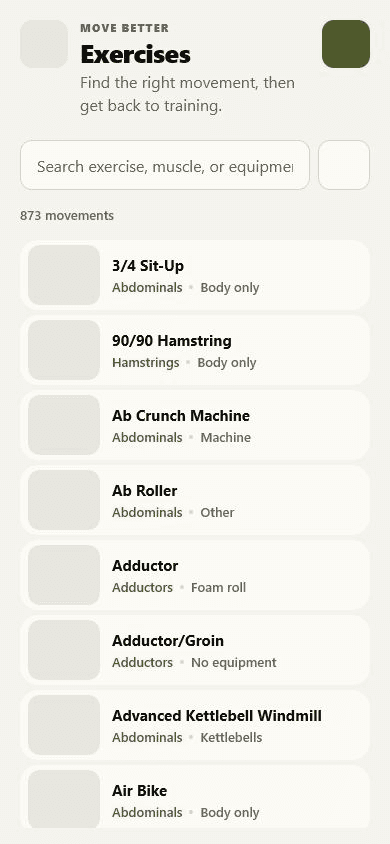
Search by name, muscle, equipment, difficulty or movement pattern, then open a guide with instructions, common mistakes and a muscle map.
Review
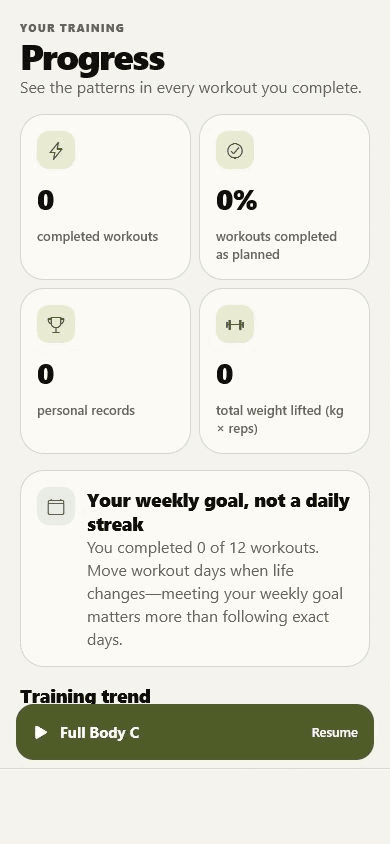
Strength progress
Completed workouts, training frequency, personal records, weekly lifting volume and the muscle groups you have actually trained.
Journal
The Jijibisha Journal
Clear, specific writing about logging workouts, adding weight without rushing, and reading your own history honestly.
A practical workout logging system: what to record, when to record it, and how to review the result without turning training into data entry.
Learn how progressive overload works and how to build strength by adding weight, reps, sets, or better technique without rushing your progress.

Use completed sets, rep performance, estimated strength, and training context to review progress without mistaking an estimate for a test.
Control
Straightforward by design
Jijibisha does not need your data to be useful, and it does not pretend otherwise.
Before you start
Yes. The complete workout logger, saved routines, history and live workout guidance stay free. Jijibisha Pro is an optional iPhone and iPad subscription for ad-free use, extra themes and deeper exercise comparisons.
Yes. The mobile app writes your workout to your phone as you train, so you can keep logging sets in a basement gym with no reception. The website and account features are not presented as offline features.
No. The mobile workout tracker works with no account at all. Create one only if you want optional cloud backup and access to that backup in the web app.
Yes. Choose your training days, add your own exercises, and set targets for sets, repetitions and rest. Routines are editable templates, not fixed programs.
Yes. Once you enable optional backup in the mobile app, you can sign in on the web to plan routines, log workouts and review the training stored in that backup.
Yes. Start with exercises, weight, repetitions and completed sets. Optional fields such as effort, reps left, time and distance stay hidden until you want them.
No. Jijibisha is a workout planning, logging and progress tracking tool. Exercise instructions and articles are general fitness information, not personal coaching or medical advice.
Get the app
Install Jijibisha, build your routine, and log the first set. It works offline, it is free, and it does not ask you to sign up first.